
Thermal Paste 12.8 W/mK – 4 Gram Made in USA
$4.99
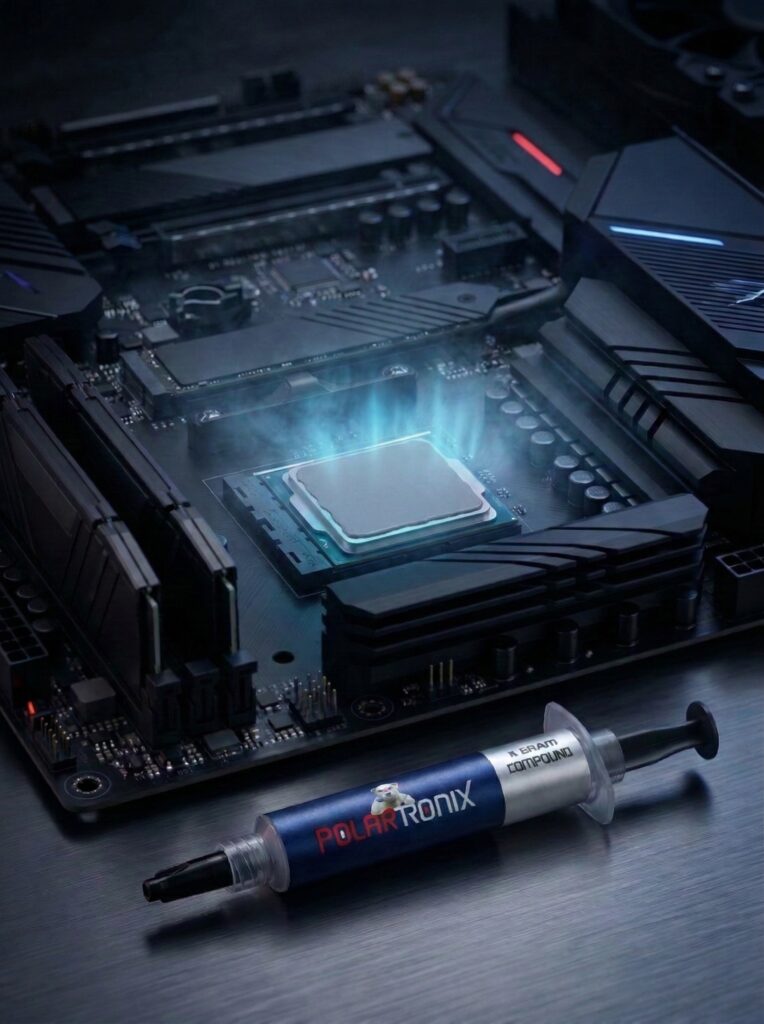
Visit ProductPolarTronix thermal paste fills microscopic surface imperfections between a chip and its cooler, displacing air at a close-contact thermal interface. This non-conductive thermal paste is made in USA and catalog-rated at 12.8 W/m·K. Choose a 4 g or 10 g precision syringe for CPU and GPU applications that specify conventional paste.
 Application Guide
Even machined chip and cooler surfaces have microscopic imperfections. Paste fills these small spaces to help transfer heat into the heatsink. It does not compensate for a poorly seated cooler or fill larger component-to-cooler gaps.
Current PolarTronix catalog descriptions identify 12.8 W/m·K thermal conductivity, electrical non-conductivity, a precision syringe, and USA manufacture. These are catalog claims, not independent laboratory certification or a promise of a temperature reduction. Renew paste when a paste-based cooler is removed. Rising temperatures alone are not proof that paste has failed: check dust, airflow, fans, mounting and workload first. There is no universal replacement interval.
Use CPU thermal paste or GPU thermal paste only where the device and cooler instructions call for conventional paste at a close-contact interface. Laptop and console designs vary; confirm the original material and exact service procedure. Bare GPU dies need the coverage specified by the manufacturer. Do not use conventional paste as a direct replacement for PS5 liquid metal.
Paste serves close-contact chip-to-cooler interfaces. Putty and pads fill designed gaps, often at memory or power components. They are not interchangeable by default. Preserve the original contact layout and verify component, board revision, cooler clearance and required pad thickness before replacement.
PolarTronix conventional paste is catalog-described as electrically non-conductive. Liquid metal is electrically conductive, needs compatible contact surfaces and requires protection of nearby circuitry. Do not use liquid metal on aluminum. Choosing paste does not authorize changing an interface originally designed for liquid metal, including the PS5.

Power down and disconnect the device. Follow its service instructions to remove old paste with a compatible cleaning wipe or thermal cleaner. Keep residue away from circuitry and let the contact surfaces dry completely.
Follow the CPU and cooler manufacturer's coverage instructions. A small central amount may suit some covered desktop CPUs, but it is not a universal dose for every chip. For bare dies, use the manufacturer's specified coverage; avoid unnecessary overflow.
Lower the cooler as directed without disturbing the interface. Paste fills microscopic imperfections, not a larger gap or incorrect cooler fit.
Tighten mounts in the specified order and torque. Check seating and monitor operation after reassembly. If you lift the cooler again, clean and renew the paste.
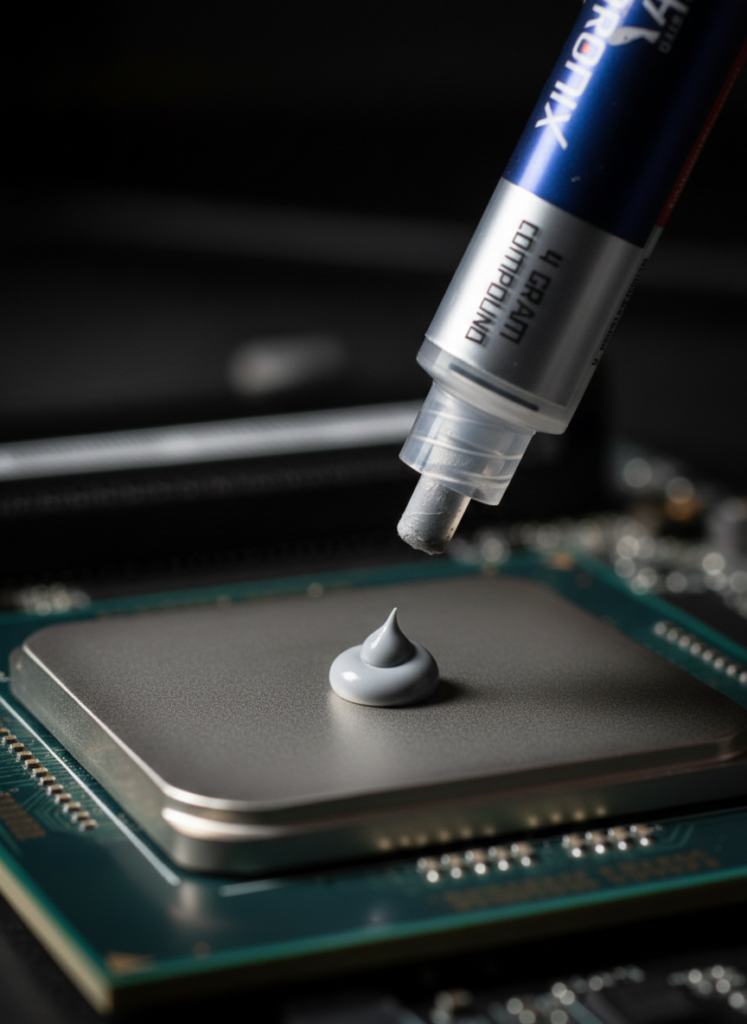
Each listed size contains thermal paste in a precision syringe. Extra accessories are not confirmed; application count depends on the device and coverage.
